Uploading Documents: Best Practices

Rotem Magen
Head of EMEA Sales, Covercy · February 21, 2025
As a regulated financial institution, Covercy may request documentation for identification, verification, or regulatory compliance purposes. Following these best practices ensures your documents are processed quickly and your transfers proceed without delay.
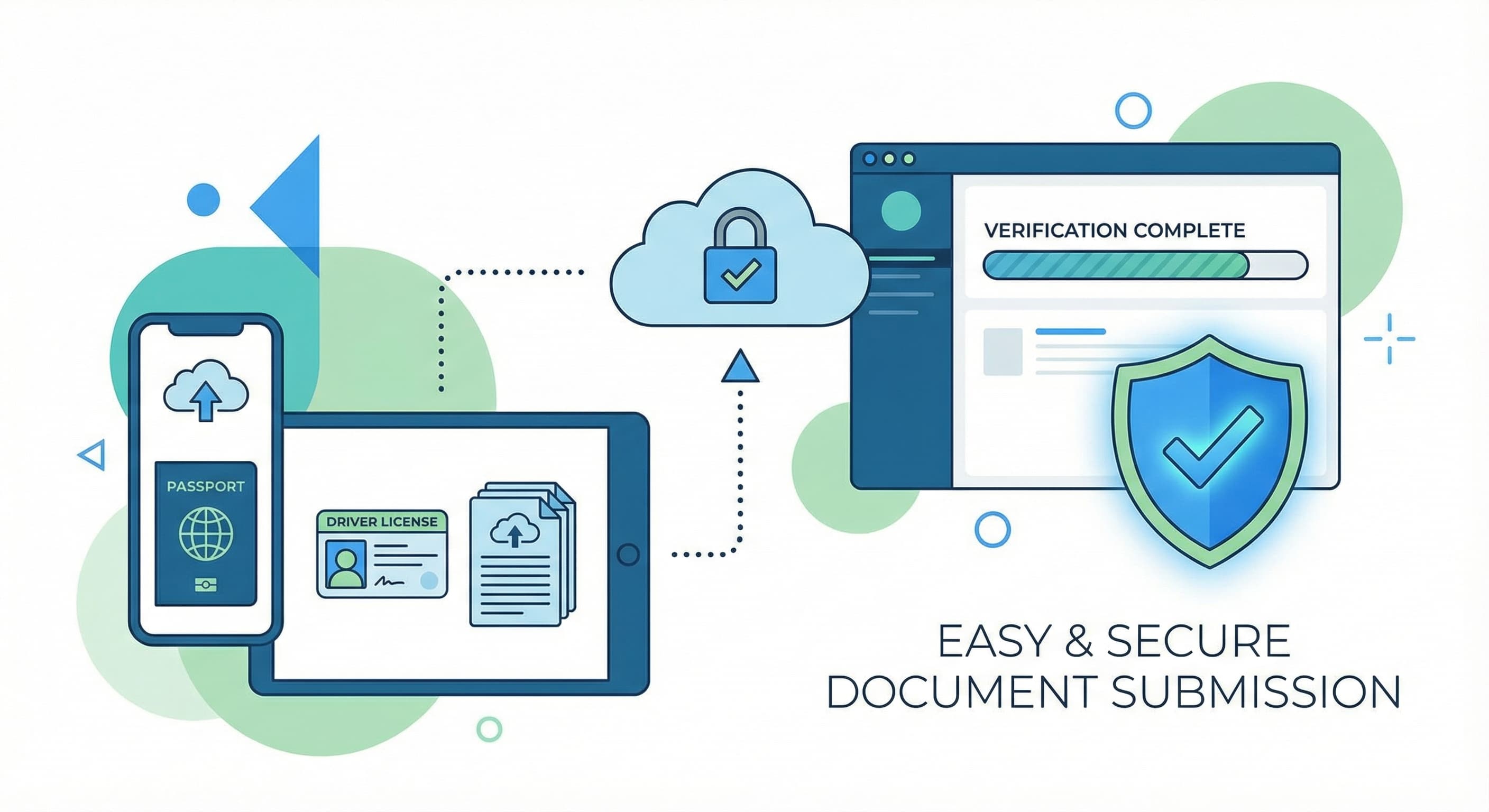
Uploading documents is simple: click the upload button, browse for your file, and select 'Open'. You'll see the file name appear beside the button. If you need to remove a document, simply click the X next to the file name.
When scanning or photographing documents, ensure the entire document is visible within the frame. Cut-off edges or missing corners can cause processing delays as our team may need to request a new copy.
Image quality matters significantly. Make sure your document is well-lit with even lighting—avoid harsh shadows or glare. The text should be sharp and easily readable. Blurry or out-of-focus images will need to be resubmitted.
All documents must be current and valid. Expired passports, IDs, or certificates cannot be accepted. Check expiration dates before uploading to save time.
For identification documents, ensure the photo is clear and in full color. Black-and-white copies or poor-quality photos may not be accepted for verification purposes.
Common issues to avoid include: images that are too bright or too dark, making text illegible; documents that are partially cut off; blurry or damaged documents; and missing important information like dates, signatures, or stamps.
A complete submission includes all required pages. For passports, include both the photo page and any pages with relevant stamps or visas if requested. For contracts or agreements, ensure all pages are included and signed where required.
Taking an extra minute to verify your document quality before uploading can save significant time in processing. A clear, complete, and valid document submission helps us approve your transfer as quickly as possible.
Have questions about document requirements? Contact us at support@covercy.com—we're here to help.